E-Code Lookup Tool
Original price was: ₹299.00.₹99.00Current price is: ₹99.00.
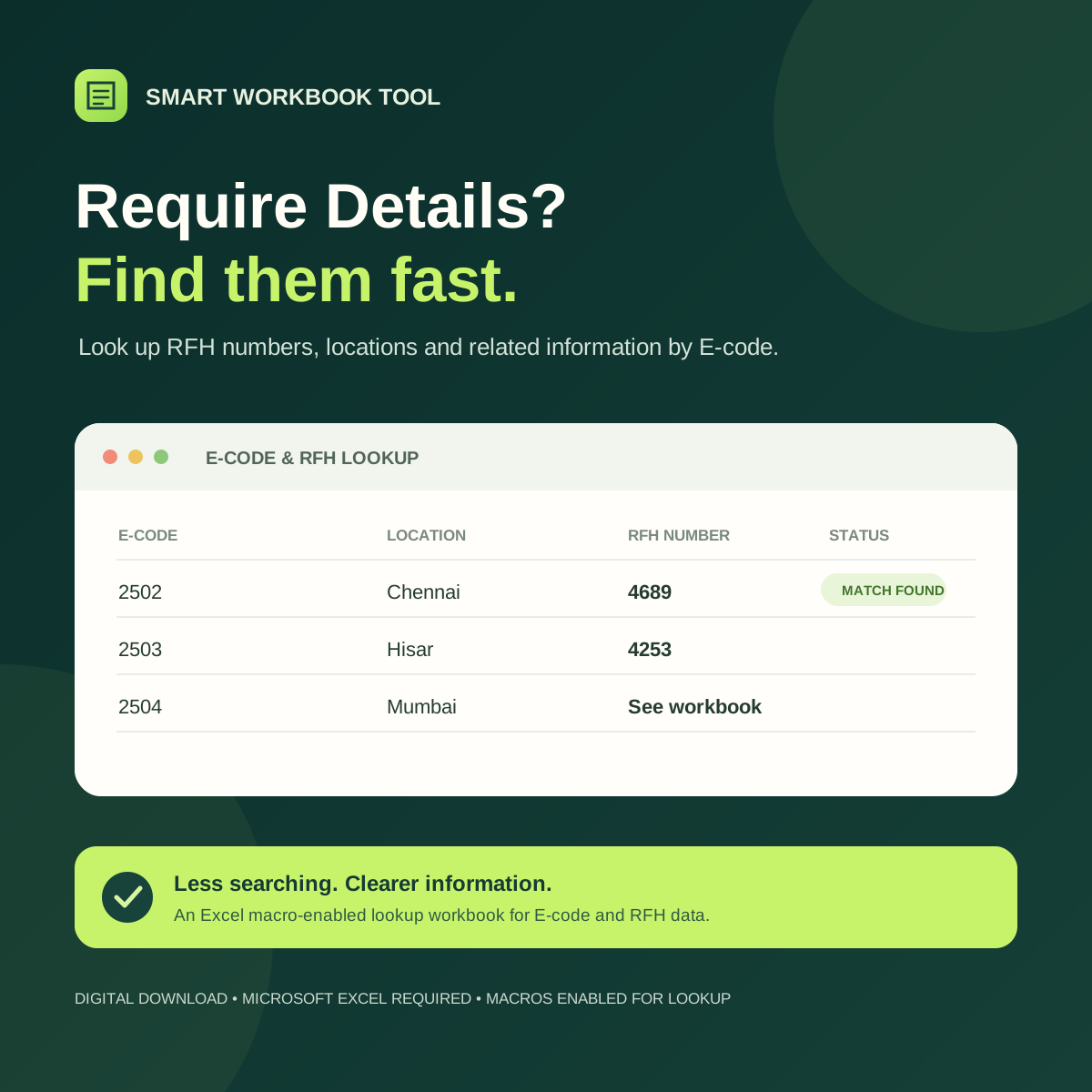
Find RFH numbers and details linked to E-codes with this Excel lookup tool. Includes a macro-enabled workbook with a built-in lookup button; requires Microsoft Excel with macros enabled.
Available on backorder
Description
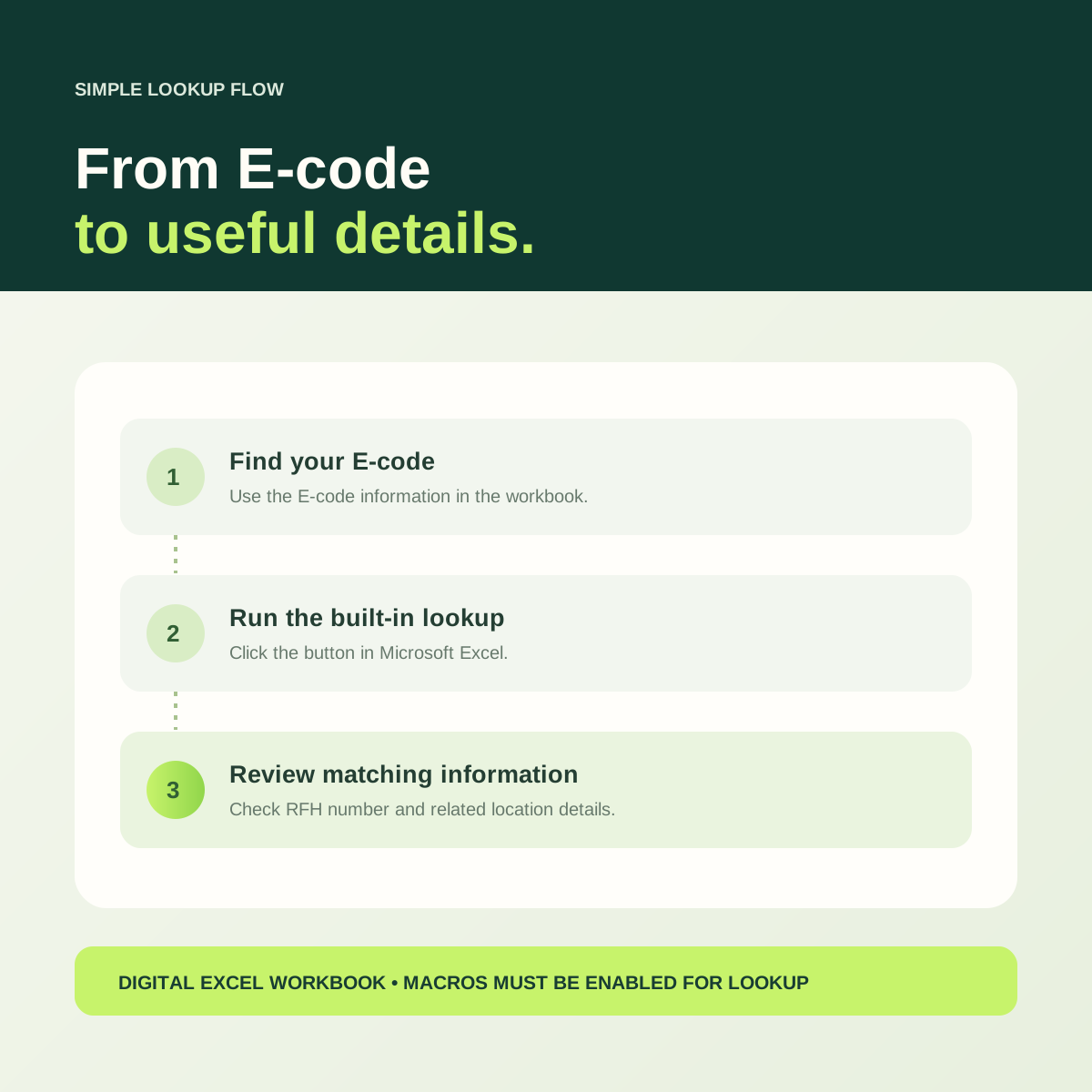
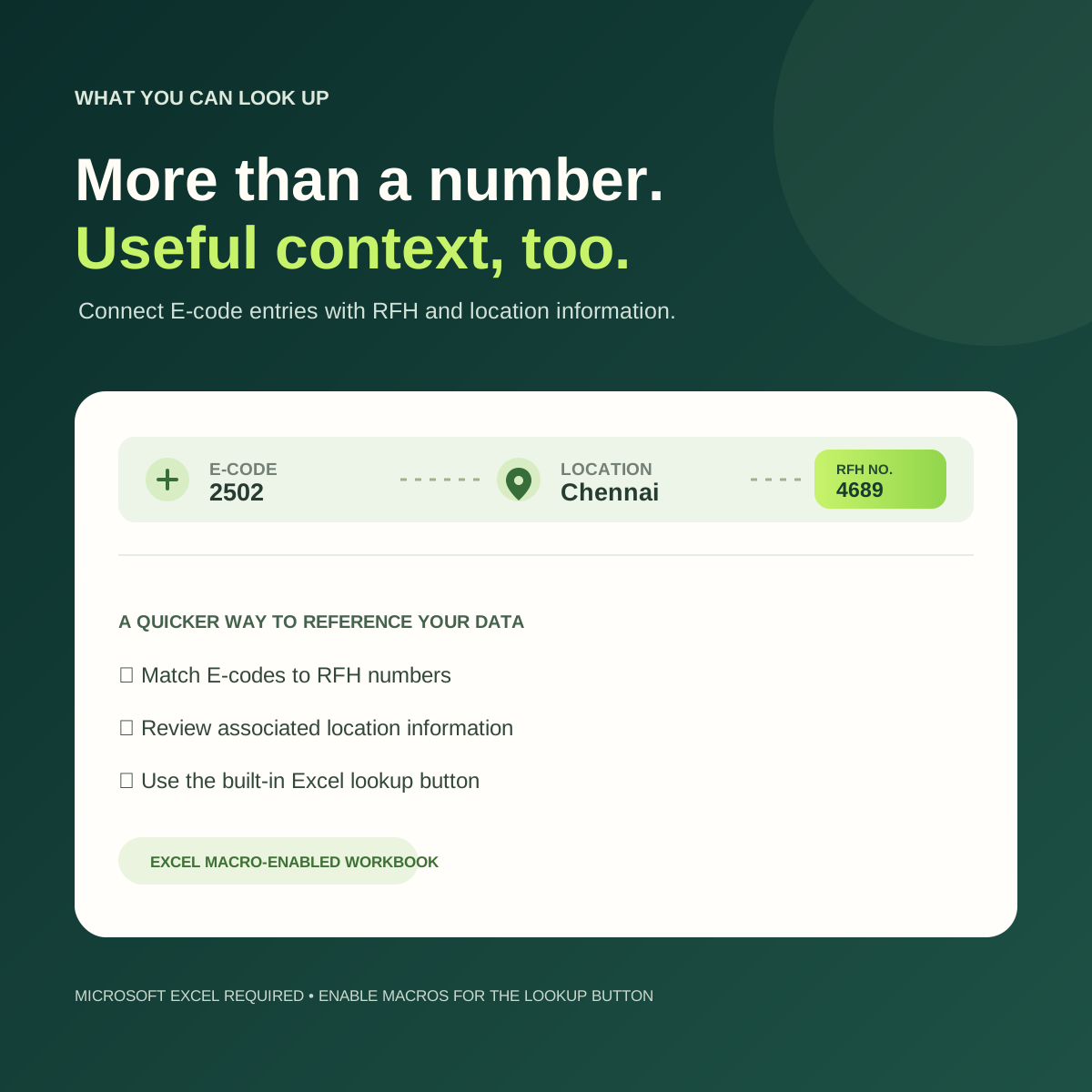
Quickly find the RFH (Request For Hiring) number / Details associated with an E-code using this easy-to-use Excel lookup tool. Enter or review E-codes and location data, then run the built-in lookup to identify matching RFH numbers.
What’s included
- Excel macro-enabled workbook (.xlsm)
- E-code and RFH lookup sheets
- Built-in lookup button
Requirements
- Microsoft Excel
- Macros enabled to use the lookup button
A handy spreadsheet tool for organizing E-code and RFH information in one place.
To use it: Open the workbook in Microsoft Excel and enable macros to use the lookup button. If the download is provided in a ZIP file, open or extract the ZIP first, then open the workbook inside.
Reviews
There are no reviews yet.